01
Bring a photo
Open an image from your device. Processing happens locally in your browser.
Shape the light, color, and feel of a photo right in your browser. Your images stay on your device while you edit.
Explore this simple example, then open grain to make it part of your day.
Open grain ↗ OriginalA warmer mood
Slide to explore a color treatment. Illustrative preview; open Grain for the full editor.
A real look inside grain. Open the app to start making it yours.
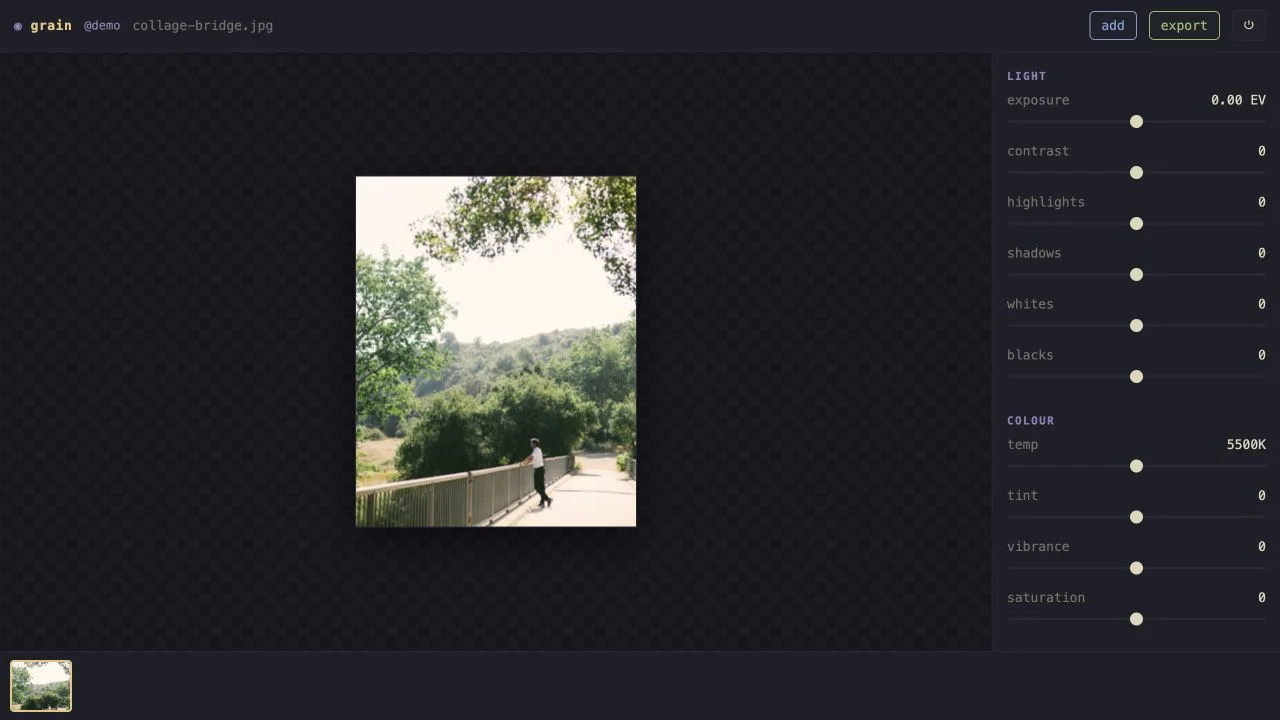
Open an image from your device. Processing happens locally in your browser.
Adjust light and color, and compare your changes as you go.
Export the result when you are ready. Keep your original files backed up.
No. Grain processes photos in your browser. The server serves the app and manages accounts; it does not receive your photo library.
The library is stored in that browser on that device. It does not automatically sync photos between devices. Keep your originals backed up, because clearing browser data can remove local library data.
Grain includes a browser-based RAW decoder as well as JPEG and PNG support. Large files can need more device memory and processing time.